
This file is the user manual of GIGABYTE LCD display, which mainly introduces the display's safety information, specifications, installation instructions, and operating instructions
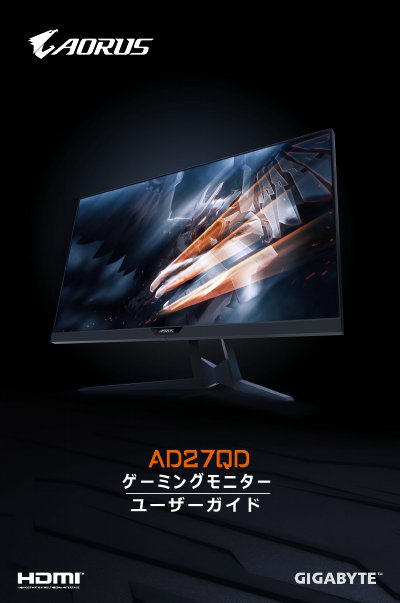
This document is the user guide for the GIGABYTE AD27QD gaming monitor. It covers unboxing, safety precautions, and detailed instructions on installing the stand and wall mount, connecting cables, and using the on-screen display (OSD) menu for settings. The guide also includes troubleshooting tips and basic maintenance advice. This manual is written in Japanese.
| Resolution | 2560 x 1440 |
|---|---|
| Response Time | 1 ms (MPRT) |
| Brightness | 350 nits (standard) |
| Contrast Ratio | 1000:1 (standard) |
| Viewing Angle | 178° (H) / 178° (V) |
The resolution is 2560 x 1440.
Yes, it supports 2x HDMI 2.0 inputs.