
M34WQ Tactical Gaming Monitor User Guide, introduces the features and characteristics of the product, including safety precautions, packaging contents, product overview, getting started, installing the stand base, lifting the screen, adjusting the viewing angle, connecting cables, using the device, turning on the power, etc.
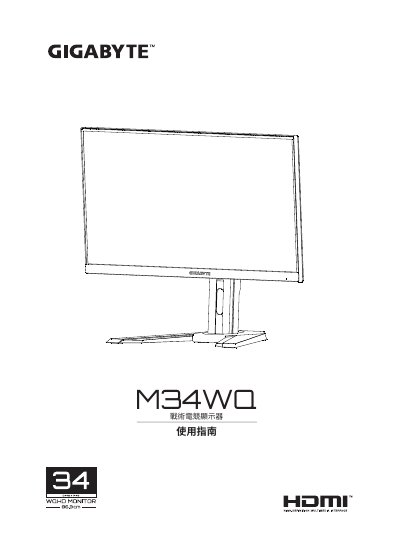
The document serves as a comprehensive user manual for the GIGABYTE M34WQ Tactical Gaming Monitor. It covers essential safety precautions regarding power usage and physical stability to prevent injury or damage. The guide details the unboxing process, listing included accessories such as HDMI, DisplayPort, USB cables, and mounting screws. This manual is written in Chinese.
The package includes an HDMI cable, a USB cable, and a DP (DisplayPort) cable.
Use a soft non-woven cloth to wipe the screen; do not spray cleaning agents directly on the screen.
The manual includes a Warranty Card, and you should contact your local dealer if items are missing.