
GIGABYTE BRIX & BRIXs Ultra Compact PC Kit User Guide

This is the user manual for BRIX and BRIXs Ultra Compact PC Kit, including package contents, assembly, quick start guide, etc.
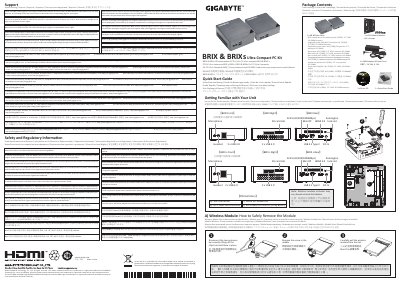

GIGABYTE BRIX & BRIXs Ultra Compact PC Kit User Guide - cover page
Brand
Gigabyte
Document type
User Manual
Language
English
Pages
2
File format
PDF
File size
5.4 MB
Published
12 October, 2023
Updated
12 October, 2023
MD5 checksum
2470C076462EE86680FEC0EAD3EC1AD1

About this manual

The GIGABYTE BRIX & BRIXs Ultra Compact PC Kit is a small form factor computer designed to be mounted behind displays or TVs using the included VESA bracket. The device supports USB Power On functionality, allowing users to start the system via a connected keyboard or mouse through the BIOS settings.

What's inside

  • System Requirements
  • USB Power On Function
  • VESA Bracket Installation
  • M.2 SSD Installation
  • Additional HDD Installation
  • Memory Installation
  • Wireless Module Removal
  • Safety and Regulatory Information

Specifications

Operating System SupportWindows 7 - Windows 8.x or above version
Memory TypeSO-DIMM DDR4

Frequently asked questions

What is required for USB Power On in Windows 8 or above?

An additional Windows patch labeled 'USB Power-On Patch' provided on GIGABYTE's official website.

What operating systems are supported by the BRIX unit?

The device supports Windows 7, Windows 8.x, and Windows 10.

What is the minimum size required for a USB drive used to install Windows 7?

The USB drive must be at least 4GB in size.

What is the operating temperature range for the BRIX unit?

The unit operates safely between 0°C and 35°C.

Download PDF (5.4 MB)

More Gigabyte Manuals


View all Gigabyte manuals →