
This document is the user manual of BRIX Ultra Compact PC Kit, which introduces the features and usage methods of the product.
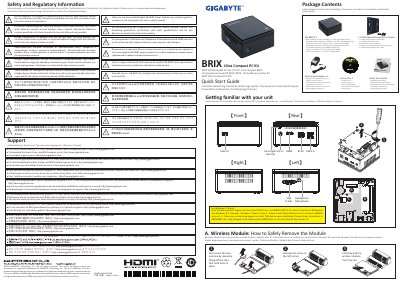
This document serves as the user manual for the GIGABYTE BRIX Ultra Compact PC Kit. It begins with critical safety and regulatory information, warning users about battery disposal and the mandatory use of the included GB-BXBT power adapter to ensure compliance and safety. The manual lists the package contents, which include the unit, a wall-mount adapter, a driver CD, and a quick start guide, while explicitly noting that 2.5" HDDs and SO-DIMM memory are not included.
The latter part of the document provides specific technical instructions for the wireless module. It details the steps to safely remove the module by disconnecting the antennas, removing a corner screw, and pulling the module from the slot. It also includes a specific note regarding the Intel TXEI driver for Windows 7 users.
| Power Adapter Model | GB-BXBT |
|---|---|
| Compatible OS (Driver Note) | Windows 7 |
The manual requires the use of the included Model GB-BXBT Power Adapter to ensure regulatory compliance and safety.
No, the package does not include a 2.5" HDD or SO-DIMM memory.
Disconnect the two antennas by lifting the clips, remove the screw in the left corner, and carefully pull the module from the slot.