
GIGABYTE 12QM-MBQUICK-102xR Motherboard Installation Guide

This installation guide explains how to install a CPU, memory, graphics card, and other components using the 12QM-MBQUICK-102xR motherboard.
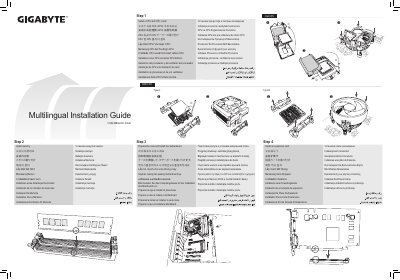

GIGABYTE 12QM-MBQUICK-102xR Motherboard Installation Guide - cover page
Brand
Gigabyte
Category
Motherboard
Document type
Installation Guide
Language
English
Pages
2
File format
PDF
File size
9 MB
Published
12 October, 2023
Updated
12 October, 2023
MD5 checksum
25889DA29154A6B6AA0556A918A85F6F

About this manual

This document serves as a multilingual installation guide for the GIGABYTE 12QM-MBQUICK-102xR motherboard. It provides step-by-step instructions in multiple languages for installing the CPU and cooler, memory modules, and preparing the computer case for the motherboard installation.

What's inside

  • Install a CPU and CPU cooler
  • Install memory
  • Prepare the case and Install the motherboard
  • Install an expansion card
  • Install a power supply
  • Install hard drives and optical drives
  • Connect cables to the internal connectors
  • Connect peripherals to the computer

Frequently asked questions

What is the first step in installing this motherboard?

The first step is to install a CPU and CPU cooler.

What are the two CPU types supported by this motherboard?

This motherboard supports AMD CPU and Intel CPU.

What peripherals should be connected to the computer after installation?

You should connect a keyboard, mouse, monitor, and other peripherals.

Download PDF (9 MB)

More Gigabyte Manuals


View all Gigabyte manuals →