
This is a user manual for GIGABYTE Slate PC. The manual provides detailed instructions on how to use the features of GIGABYTE Slate PC.
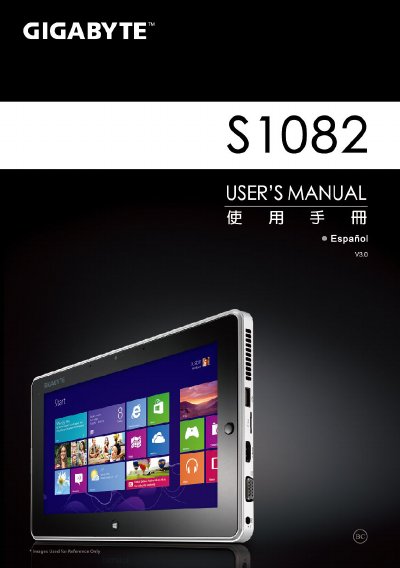
The document serves as a user guide for the GIGABYTE Slate PC. It covers initial setup steps such as connecting power and turning on the device, along with an overview of the physical layout including ports and buttons on various views of the unit.
Additionally, the manual details software utilities like GIGABYTE Smart Manager and Update Utility, and provides comprehensive instructions for system recovery options, including refreshing or resetting the PC to factory settings. This manual is written in Spanish.
Press and release the '+' button to enter the GIGABYTE BIOS configuration utility.
Choosing this option will eliminate all personal files and restore the PC configuration to factory defaults.