
OSD Sidekick is a software for GIGABYTE monitors that allows you to customize the monitor's settings. The software offers display settings, quick keys, general settings, and ANC settings.
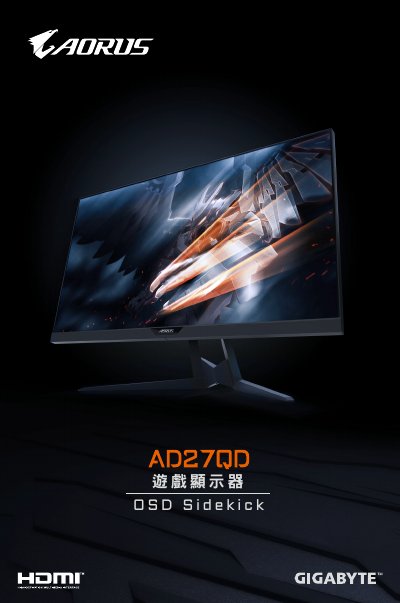
This document provides installation instructions for the GIGABYTE AN270D OSD Sidekick software. It details the steps to run the setup wizard, extract the MSI file, and complete the installation process on a Windows computer.
The guide also covers how to uninstall the software via the Control Panel and lists the system requirements, including supported operating systems and necessary drivers.
| Firmware Version | B18.1115.3 |
|---|
Select the program from the list in Programs and Features and click Uninstall.
The OSD Sidekick is a tool used to control the OSD menu of the AN270D monitor.
The firmware version is 9.