
This is a user manual for the AORUS KD25F monitor, which introduces the use of the monitor, safety information, specification parameters, etc.
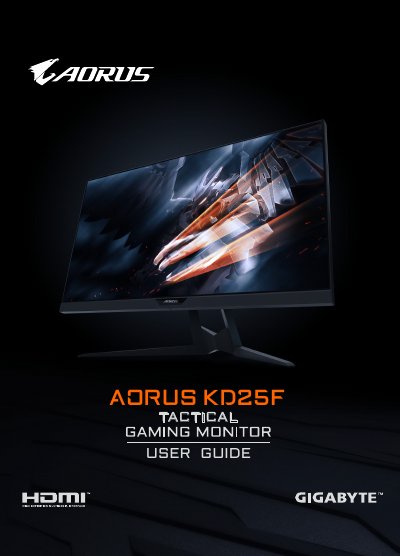
The document serves as a comprehensive user guide for the GIGABYTE AORUS KD25F LCD monitor. It covers safety precautions, unpacking procedures, and step-by-step instructions for installing the stand base or an optional wall-mount bracket. The guide details how to connect various input sources including HDMI and DisplayPort, and explains how to use the Quick Menu (OSD) to configure device settings such as refresh rate and image quality.
| Panel Size | 24.5-inch |
|---|---|
| Resolution | 1920 x 1080 |
| Refresh Rate | 240Hz |
| Response Time | 0.5ms(MPRT) |
| Brightness | 400 nits (typ.) / 320 nits (min.) |
| Contrast Ratio | 1000:1 (typ.) |
The monitor includes 2x HDMI 2.0, 1x DP 1.2, 1x Headphone, 1x Microphone, 2x USB 3.0 (downstream), and 1x USB upstream.
The maximum power consumption when the monitor is on is 60W.