
This is a user manual for AORUS CV27F monitor
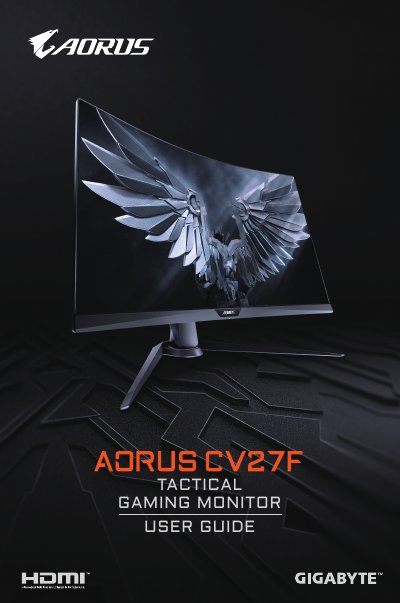
This document serves as the user guide for the GIGABYTE AORUS CV27F LCD monitor. It covers regulatory compliance information, including FCC and CE declarations, before detailing the product's features and specifications.
The manual provides step-by-step instructions for connecting the monitor to a computer and power source. It includes guidance on adjusting display settings such as brightness, contrast, and aspect ratio, as well as troubleshooting common issues like no power or distorted images.
Ensure the power cable is properly connected to the source and monitor, check for broken cables, and verify the monitor is turned on.
Verify that both devices are turned on, connections are secure, the correct input source is selected, and brightness/contrast settings are adjusted.
Wipe with a soft, lint-free cloth or use a damp cloth sprayed with cleaning fluid; avoid acidic or abrasive cleaners.