
This document is a user guide for a monitor from GIGABYTE. It explains how to install and use the software for the monitor
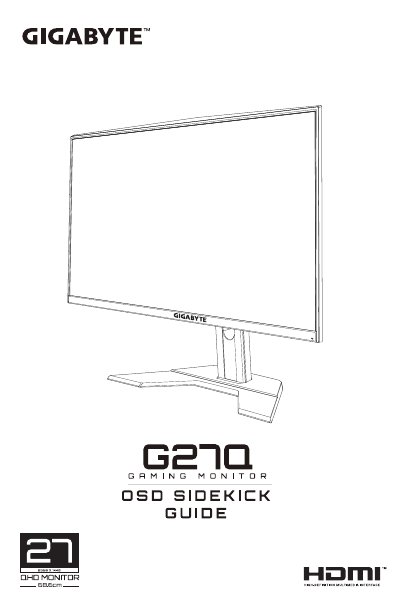
This manual provides instructions for setting up the OSD Sidekick software on a computer connected to a GIGABYTE LCD monitor. It covers preparation steps including connecting USB, HDMI/DisplayPort cables, and power adapters before launching the application.
The guide details how to use the software to configure display settings such as Picture Mode profiles (including E-sports customization), Hot Keys for the Control button, General System settings, and firmware updates. Users can also manage profile import/export and automatic update features.
Right-click on OSD_Sidekick in the GIGABYTE folder and select Uninstall, or find it in Programs and Features.
Yes, you can set the AUTO UPDATE setting to ON to allow the system to check for software updates when a new version is available.
No, updating firmware manually does not require an Internet connection; you must download the file from the website first.