
This document is a product manual that includes the safety guide, control keys and display, parameter setting, display error and correction, installation, etc. The product has multiple functional groups, including input group, output group, digital output group, inner signal group, PID group, auto tuning group, alarm group, retransmission group, and communication group.
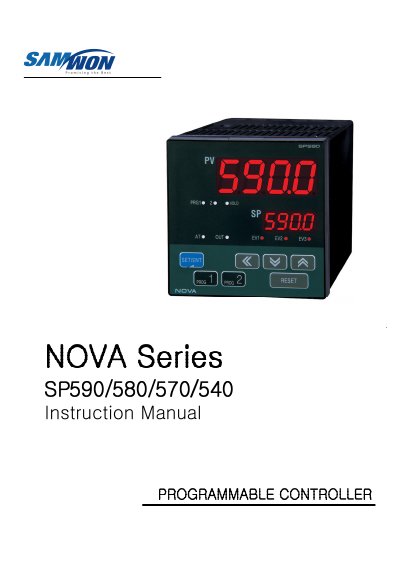
This manual provides comprehensive instructions for the Samwontech controller, including safety guidelines, descriptions of control keys and display indicators, and detailed procedures for setting up parameters in various groups such as Input, Output, PID, and Communication. It also covers installation requirements, wiring specifications, and error correction methods.
| Power Consumption | 100-240VAC, 50/60Hz, 10VAmax |
|---|---|
| Operating Temperature | 10℃ ~ 50℃ |
| Humidity Range | 20 % ~ 90 % RH |
| Warranty Period | one year |
Press the SET/ENT Key at least 3 seconds to switch between an operating display and an operating parameter setting display.
The warranty period is one year after the end user buys the product, provided it is used under regular conditions described in the manual.