
This manual provides communication specifications, wiring diagrams, command formats, and register descriptions for the SAMWONTECH SDR100_Series digital…
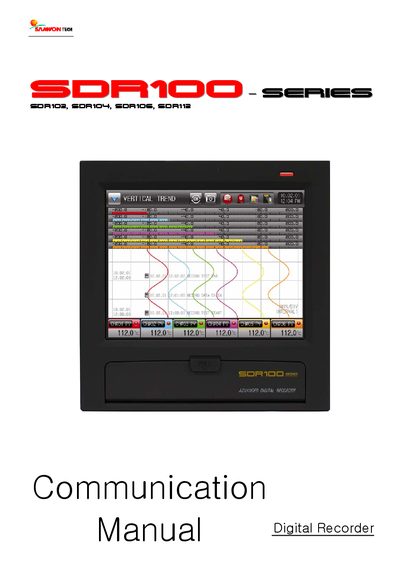
This document serves as the communication manual for the SAMWONTECH SDR100_Series digital recorder, covering models SDR102, SDR104, SDR106, and SDR112. It details safety instructions, communication specifications, and wiring requirements for connecting the device to upper-level equipment via RS232C or RS485 protocols.
The manual outlines the communication command structure, including the format for reading and writing D-Registers using specific commands like RSD, WRD, and AMI. It also describes the MODBUS protocol support, error codes, and provides a comprehensive table of D-Register descriptions for monitoring and event history.
| Communication Interface | RS485 type 2-wire Half-Duplex |
|---|---|
| Max Devices | 30 devices |
| Data Length | 8 bits |
| Equipment Address Range | 1~99 |
| Max D-Registers per Command | 64 |
The device supports PCLINK, PCLINK+SUM, MODBUS ASC, MODBUS RTU, and MODBUS ASC+SUM.
The default settings are PCLINK+SUM protocol, 9600 bps, No Parity, 1 Stop Bit, 8 Data Length, and Address 1.
The system is able to connect up to 30 devices with upper level computers.
Error code 01 indicates that a non-existing command was assigned.