
ToxiRAE II PGM-1100 Series Personal Toxic Gas Monitor User Manual. This manual must be carefully read by all individuals who have or will have the responsibility of using, maintaining, or servicing this product.
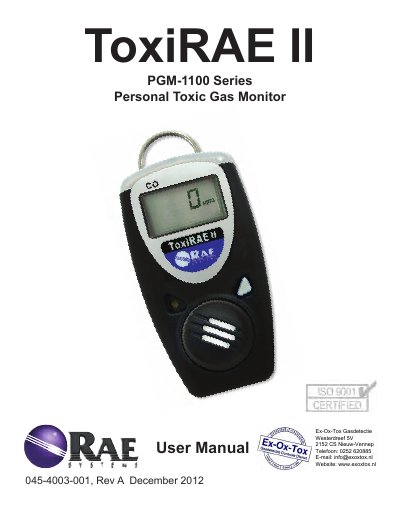
The ToxiRAE II is a single-gas monitor designed to continuously display toxic gas concentrations with digital readouts of STEL, TWA, and Peak values. It features high, low, and exposure limit alarms along with audible, visual, and vibration alerts to ensure user safety in hazardous environments.
| Size | 3.6" x 1.9" x 0.9" |
|---|---|
| Weight | 3.6 oz (102 gm) |
| Battery Type | User-replaceable 2/3 AA high-capacity Lithium battery |
| Operating Period (CO/H2S/O2) | 2 years typical |
| IP Rating | IP-65 |
| Temperature Range (O2/CO/H2S) | -40° to 55° C |
| Warranty (Instrument) | 2 years |
Hold the button down and release when the display says 'on.' The monitor will perform a self-test preceding warm-up.
The Short Term Exposure Limit (STEL) is the average reading of the gas concentration for the last 15 minutes.
Using non-RAE Systems components will void the warranty and can compromise the safe performance of this product.
Hold the button down through the '5…4… 3… 2… 1… OFF' sequence until the display is blank.