
This document is an installation and getting started guide for ProCurve Series 3500yl and 6200yl switches. It provides an overview of the features and capabilities of these switches.
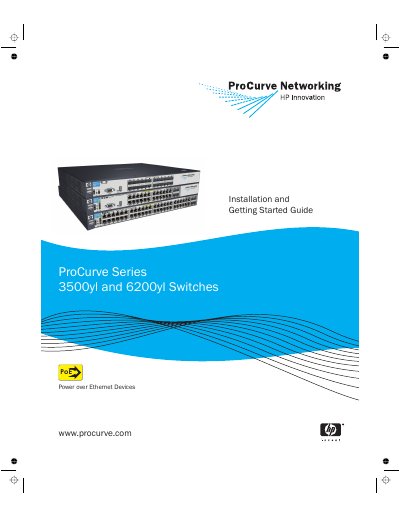
The ProCurve Switches 3500yl and 6200yl are multiport store-and-forward devices designed to build high-performance switched networks. The 3500yl models support Redundant Power Supply (RPS) and Power over Ethernet (PoE), while the 6200yl supports RPS only. These switches offer low latency for high-speed networking applications.
This guide covers the ProCurve Switch 3500yl-24G-PWR, ProCurve Switch 3500yl-48G-PWR, ProCurve Switch 6200yl-24G, and the ProCurve Switch 3500yl 2p 10GbE X2 + 2p CX4 Module.
The 3500yl switches support Redundant Power Supply and Power over Ethernet, while the 6200yl switch supports Redundant Power Supply only.
Before installing and operating the products, you must read the Installation Precautions in chapter 2 and the safety statements in appendix C.