
Hewlett-Packard ProCurve Switch 2424M and 4000M Management and Configuration Guide

This guide provides instructions for managing and configuring HP ProCurve Switch 2424M and 4000M via browser and console interfaces, covering IP…
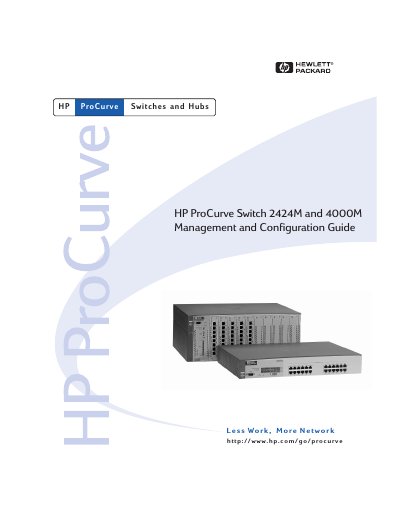

Hewlett-Packard ProCurve Switch 2424M and 4000M Management and Configuration Guide - cover page
Brand
Hewlett-Packard
Category
Network Switches
Document type
User Manual
Language
English
Pages
214
File format
PDF
File size
5.5 MB
Published
17 October, 2026
Updated
17 October, 2026
MD5 checksum
C419C2383E19CCDB16D8DB7E516BBAAF

About this manual

This document serves as a comprehensive guide for managing and configuring the HP ProCurve Switch 2424M and 4000M. It details procedures for setting up the switch using both the browser interface and the console interface, ensuring administrators can effectively control network parameters.

What's inside

  • Selecting a Management Interface
  • Configuring an IP Address
  • Using the HP Web Browser Interface
  • Using the Switch Console Interface
  • Using HP TopTools or SNMP Tools
  • Configuring the Switch
  • Monitoring and Analyzing Switch Operation
  • Troubleshooting

Frequently asked questions

What interfaces are described in this guide?

The guide describes how to use the browser interface and console interface for the HP ProCurve Switch 2424M and 4000M.

Where can I find information on specific parameters in the console interface?

You should refer to the online help provided in the console interface for specific parameter information.

Download PDF (5.5 MB)

More Hewlett-Packard Manuals


View all Hewlett-Packard manuals →