
This document is an installation and getting started guide for ProCurve Series 3400cl switches. It describes the features and characteristics of the product.
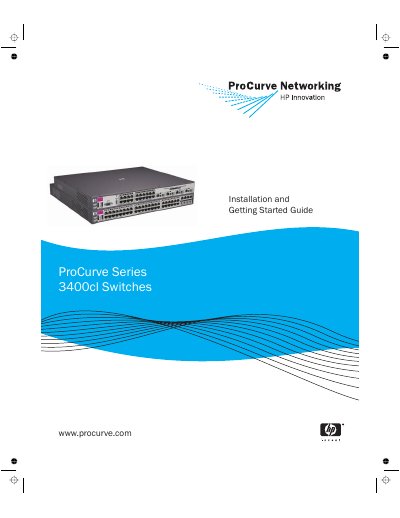
The ProCurve Series 3400cl is a high-performance multiport switch designed for workgroup networks. It offers store-and-forward switching with low latency and supports various port configurations including auto-sensing 10/100/1000Base-T RJ-45 ports, dual-personality mini-GBIC slots, and an expansion slot for 10-Gigabit Ethernet modules.
| Port Types | 24 or 48 auto-sensing 10/100/1000Base-T RJ-45 ports, four dual-personality ports (RJ-45 or mini-GBIC), one expansion slot for 10-GbE module |
|---|---|
| Operating Temperature | 0°C to 55°C (32°F to 131°F) |
| AC Voltage | 100-127/200-240 volts, 50 or 60 Hz |
| Weight (3400cl-24G) | 4.62 kg (10.20 lbs) |
Category 5 or better, 100-ohm UTP or shielded twisted-pair (STP) balanced cable.
Category 5e cabling or better.
Yes, it supports both due to the IEEE 802.3ab standard including the Auto MDI/MDI-X feature.