
This document is a hardware specification and software installation guide for TP series touch screens. The TP series touch screen is certified with ISO9000, ensuring good quality. The document introduces the main functions of TP series touch screens, software features, technical specifications, interface specifications, etc. It also provides instructions for installing and uninstalling TP software. Additionally, the document explains the interface and functions of TP Designer, as well as the steps for creating projects and screens. Finally, it covers system parameter settings, transmission, and simulation.
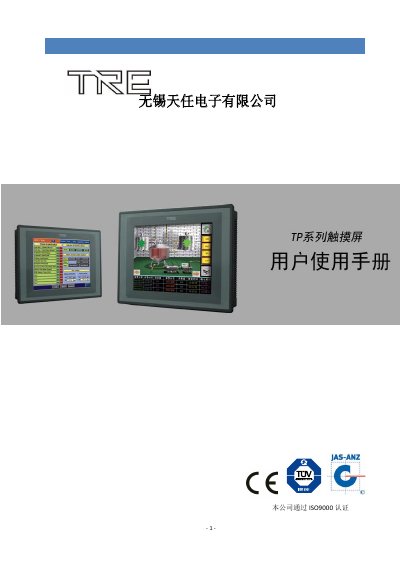
This document serves as a comprehensive user guide for the TP Series touch screen controller. It details the hardware specifications, including power requirements and environmental conditions, and provides instructions for software installation and configuration. The guide explains how to use the engineering software to create and manage HMI projects, including editing screens, configuring I/O, and setting up communication protocols. This manual is written in Chinese.
| Power Input Voltage | DC24V±15% |
|---|---|
| Operating Temperature | 0~50℃ |
| Storage Temperature | –10~60℃ |
The device operates within a temperature range of 0 to 50 degrees Celsius.
The system can tolerate an instantaneous power outage of less than 20 milliseconds.