
Installation Manual for WNP-RP-001 WiFi-repeater 300 mbps

This document is an installation manual for the WNP-RP-001 WiFi-repeater, providing instructions on setting up the repeater in repeater mode.
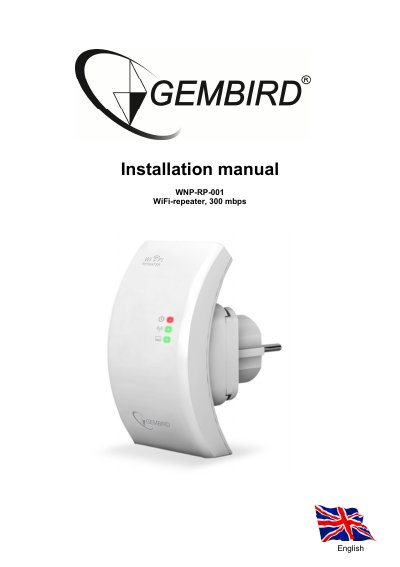

Installation Manual for WNP-RP-001 WiFi-repeater 300 mbps - cover page
Brand
Gembird
Category
Wireless connection
Document type
User Manual
Language
English
Pages
7
File format
PDF
File size
851 KB
Published
05 January, 2023
Updated
28 September, 2023
MD5 checksum
FB877FEB70F68899D7D3B95E3B518DDA

About this manual

This document provides step-by-step instructions for installing and configuring the Gembird WNP-RP-001 WiFi Repeater. It covers the initial power-up process, connecting to the default network, and accessing the web interface at http://192.168.10.1.

The guide explains how to use the Setup Wizard to switch the device to Wireless Repeater Mode. Users are instructed to select their personal WiFi network, enter the network password, and apply the settings to reboot the device with the new configuration.

What's inside

  • Setup WiFi-Repeater in Repeater mode
  • Accessing the web interface
  • Wireless Repeater Mode (Station)
  • Repeater –OneKey Setting
  • Network password entry
  • Applying settings and rebooting

Frequently asked questions

What is the default login and password for the repeater's web interface?

The standard login is 'admin' and the password is also 'admin' by default.

What IP address should be entered in the browser to access the repeater settings?

You must type http://192.168.10.1 in the address bar to open the settings window.

What is the maximum data transfer rate supported by this device?

This manual covers the WNP-RP-001 WiFi-repeater, which supports 300 mbps.

Download PDF (851 KB)

More Gembird Manuals


View all Gembird manuals →