
Gembird DCAM-GPS-01 Dashboard Camera User Manual

This document is the user manual for the DCAM-GPS-01 device, providing safety instructions and an overview of the product.
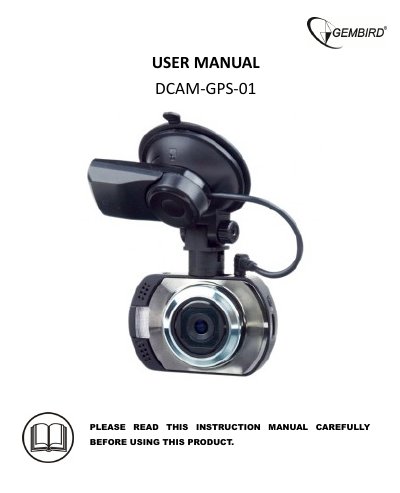

Gembird DCAM-GPS-01 Dashboard Camera User Manual - cover page
Brand
Gembird
Document type
User Manual
Language
English
Pages
25
File format
PDF
File size
437 KB
Published
05 November, 2022
Updated
28 September, 2023
MD5 checksum
A949DE3F37F6A00ED443FD96C5DFEE8E

About this manual

The Gembird DCAM-GPS-01 is a dashboard camera equipped with a GPS unit, microphone, loudspeaker, and an LCD display. The device records video in AVI format and photos in JPG format to a Micro SD card, which must be inserted as the camera has no internal memory.

What's inside

  • Safety Instructions
  • What is in Box
  • Getting to Know Your Device
  • Battery Operation
  • Indicator Lights
  • Camera Operation
  • Settings Menu
  • Downloading Files
  • Troubleshooting

Specifications

Recharge Time3-4 hours
Video FormatAVI format
Photo FormatJPG format
Memory RequirementClass 6 or above

Frequently asked questions

How do I recharge the internal battery?

Connect the camera to a computer via the included USB cable, or use a 5V/1A USB power adapter.

Does this camera have internal memory?

No, it requires a Micro SD card inserted into the slot for operation.

Download PDF (437 KB)

More Gembird Manuals


View all Gembird manuals →