
Inovance MD38CAN1 CANlink Field Bus Adapter Installation and Operation Manual

This document introduces the installation and hardware layout of MD38CAN1 card, as well as the instructions for communication interface and jumper configuration. It also introduces the topology and transmission distance of CANlink bus, as well as the configuration of CANlink expansion card and communication control related function codes.
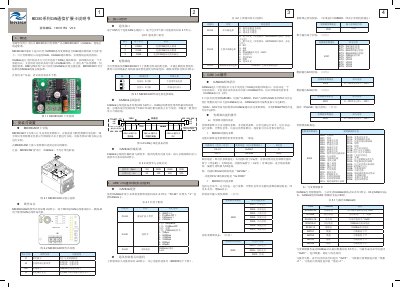

Inovance MD38CAN1 CANlink Field Bus Adapter Installation and Operation Manual - cover page
Brand
Inovance
Document type
User Manual
Language
Chinese
Pages
2
File format
PDF
File size
567 KB
Published
17 December, 2022
Updated
28 September, 2023
MD5 checksum
2C15E63EA6C5D6C5794BF14756F00A69

About this manual

The document provides instructions for installing the MD38CAN1 card into an Inovance MD380 series inverter. It specifies that power must be disconnected before installation and describes the hardware layout, including the CAN bus communication interface (CN1) and terminal resistor jumper (J2). This manual is written in Chinese.

What's inside

  • Installation
  • Hardware Layout
  • Communication Interface
  • Terminal Resistor Configuration
  • CANlink Bus Topology
  • Transmission Distance
  • Configuration Jumpers
  • Function Codes

Specifications

Max Bus Stations63 units

Frequently asked questions

What is the maximum number of devices in a CANlink network?

The maximum number of devices supported by the CANlink network is 63.

What is the maximum number of devices supported on a CANlink network?

A single CANlink network can support a maximum of 63 devices.

Which screw size is required to secure the MD38CAN1 card?

The card must be fixed using M3×8 self-tapping screws.

Download PDF (567 KB)

More Inovance Manuals


View all Inovance manuals →