
User manual for Inovance IOT-WL210D/IOT-WL210DG GPRS wireless relay module covering installation, wiring, LED indicators, communication setup and…
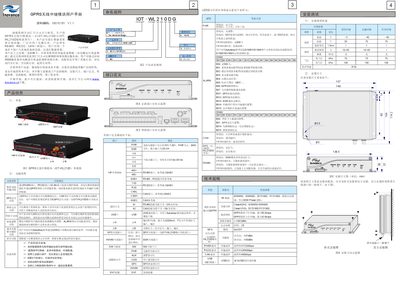
This manual describes the features, specifications, and installation requirements of the Inovance IOT-WL210D and IOT-WL210DG GPRS wireless relay modules. It includes details on LED indicator meanings, power supply, environmental limits, interface definitions, and wiring diagrams for RS485, RS232, CAN, and USB connections.
The document also provides step‑by‑step instructions for configuring wireless communication via the AutoShop software, setting up GPS (for the DG version), and programming PLC resources. Typical applications in elevators, electric vehicles, compressors and other industries are illustrated, along with warranty and service information. This manual is written in Chinese.
| GPRS downlink speed | 85.6 kbps |
|---|---|
| GPRS uplink speed | 42.8 kbps |
| Receive sensitivity | -108.5 dBm |
| Transmit power (GSM850/900) | Class 4 (2 W) |
| Transmit power (DCS1800/PCS1900) | Class 1 (1 W) |
| RS485 baud rate | ≤115200 bps |
| RS232 baud rate | ≤38400 bps |
| CAN bus baud rate | ≤800 kbps |
| USB interface | USB 2.0 full‑speed |
| Operating temperature | -5 °C to 55 °C |
| Protection rating | IP20 |
| Power input voltage | 11.7 V – 30 V DC |
| Maximum power current | 0.5 A |
The PWR LED shows power status (off = no power, steady on = powered and operating). The ALM LED indicates alarms, and the COM LED shows communication status (steady on = communicating, flashing = timeout). Other LEDs such as GPS and WWAN follow similar on/off or flashing patterns as described in the LED status table.
Connect the module to a PC via USB, launch AutoShop (v2.03 or later), create a new project, open the Tools → Communication Configuration menu, select “USB connection”, then open the Wireless Communication Configuration screen to set APN, GPS, server IP/port, and other parameters.
The module requires a DC supply of 11.7 V to 30 V with the PWR pin positive and GND negative, and it draws a maximum of 0.5 A.