
Tenda N301 Wireless Router User Manual

This document is a brief introduction and setup guide for the Tenda N301 Wireless Router. It includes information about the product's appearance, physical installation, and quick internet setup.
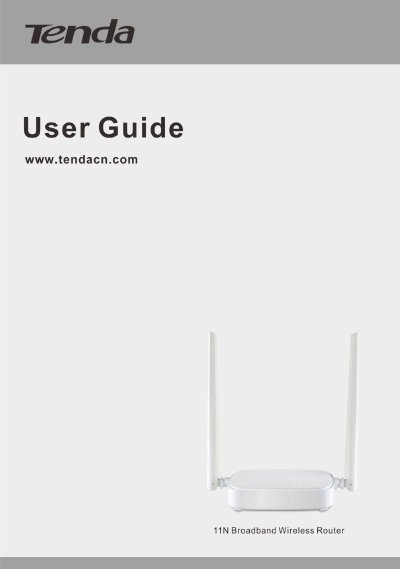

Tenda N301 Wireless Router User Manual - cover page
Brand
Tenda
Category
Router
Document type
User Manual
Language
English
Pages
94
File format
PDF
File size
4.1 MB
Published
02 November, 2022
Updated
28 September, 2023
MD5 checksum
31D1E5434D46506A548DE3A72C9973A0

About this manual

This manual provides instructions for the Tenda N301 Wireless Router, including package contents, LED status descriptions, and physical installation steps. It guides users through connecting the device to a modem and a computer to establish an internet connection.

What's inside

  • Package Contents
  • LEDs and Ports
  • Physical Installation
  • Internet Connection Setup
  • Log in to Web Manager
  • Wireless Basic Settings
  • Wireless Security
  • Bandwidth Control
  • Port Range Forwarding
  • Firmware Upgrade

Specifications

Web Manager Address192.168.0.1
Default Login Passwordadmin
Factory Reset Duration7 seconds

Frequently asked questions

What does the SYS LED indicate?

A blinking SYS LED indicates that the system is functioning properly.

How do I restore the router to factory default settings?

Press the WPS/RST button on the back panel for 7 seconds to delete files and restore defaults.

Download PDF (4.1 MB)

More Tenda Manuals


View all Tenda manuals →