
This document provides installation and usage instructions for the Nissin Di866 Mark II digital TTL electronic zoom flash (for Nikon), including the features and characteristics of the flash.
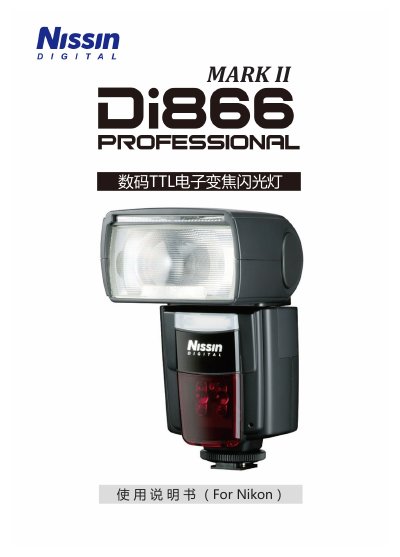
The Nissin Di866 Mark II is a digital TTL electronic zoom flash unit designed for Nikon digital SLR and hot shoe cameras. It features an advanced i-TTL flash control system and a unique automatic rotating color LCD screen that adjusts to the shooting angle for easier operation. The unit supports various modes including fully automatic, TTL program, manual, stroboscopic, and wireless remote control. This manual is written in Chinese.
| Flash GN Value | 60/198 (at 105mm focal length, ISO 100) |
|---|---|
| Power | 40/132 (at 35mm focal length, ISO 100) |
| Full Power | 83W/s |
| Zoom Range | 24-105mm |
| Battery Type | 4 LR6 batteries (AA) |
| Battery Life | 150-1500 flashes per set |
| Flash Duration | 1/300s (full power) |
| Dimensions | 74 x 134 x 110mm |
It uses 4 LR6 (AA) batteries, which can be alkaline, lithium, or NiMH rechargeable batteries.
The charging time is 5.5 seconds at full power output, though this depends on the battery capability.
No, it is specifically designed for Nikon digital SLR cameras and hot shoe cameras.
Check if the contacts on the flash and camera hot shoe are making correct contact.