
Key facts
- Manuals
- 4
- Models
- 1
- Languages
- JA · ZH
- Last added
- 2012-03-06
Nissin models by category
Featured Nissin manuals
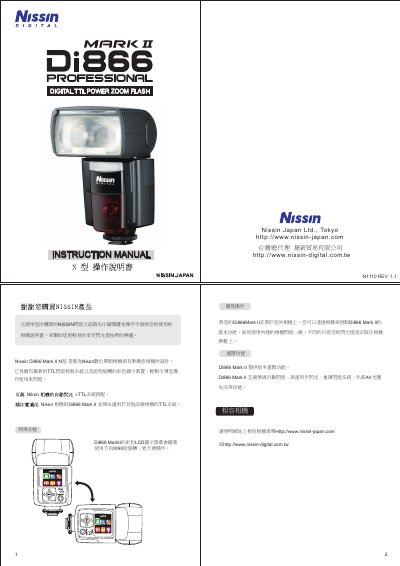
Nissin Di866 Mark II User Manual
This manual explains how to install, power, and safely operate the Nissin Di866 Mark II flash. It is designed primarily for Nikon DSLR cameras with TTL flash control, but can also be used on non‑hot‑shoe cameras via an X‑type connector. Safety warnings and battery‑handling procedures are included.
The guide covers basic and advanced functions such as wireless TTL modes, zoom range, flash power levels, USB firmware updates, and optional accessories like power packs and extension cables. Detailed specifications, dimensions, and battery information are provided for proper setup and maintenance. This manual is written in Japanese.
Covers: Safety Instructions · Battery Installation · Advanced Functions · Wireless TTL Control · USB Interface · Specifications
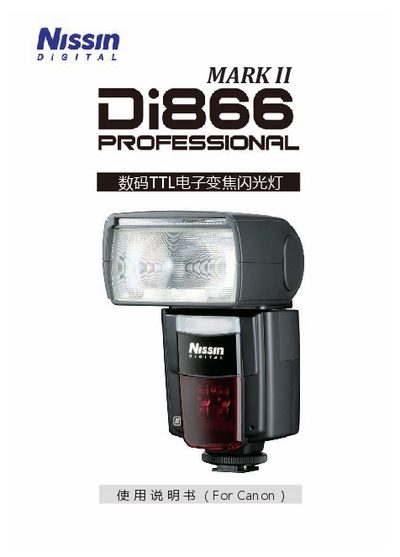
Nissin Di866 Flash Manual
This manual explains how to install and use the Nissin Di866 flash unit with compatible Canon EOS cameras. It covers both Mark I and Mark II versions, detailing the supported E‑TTL/E‑TTL II control system, high‑speed sync, and other shooting modes.
Safety precautions, battery replacement, component description, and warranty conditions are also included. The document warns against exposure to rain, high humidity, and temperatures above 40 °C, and provides guidance on proper handling to avoid injury or damage. This manual is written in Japanese.
Covers: Safety Precautions · Components · Main Modes · Basic Operation · Compatibility · Warranty
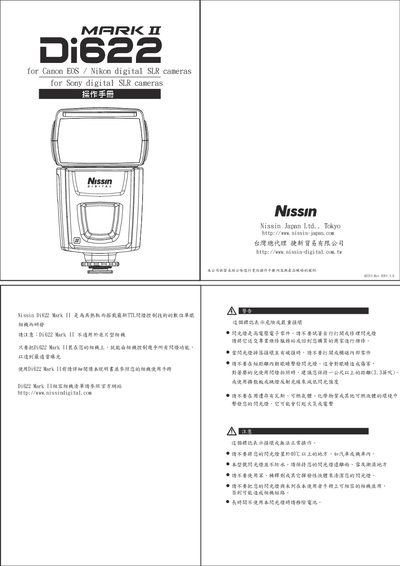
Nissin Di622 Mark II User Manual
This manual explains how to install the Di622 Mark II flash on compatible Canon, Nikon, and Sony digital SLR cameras, including safety precautions such as avoiding exposure to high‑voltage components and keeping the unit away from flammable environments. It details battery insertion, hot‑shoe mounting, and removal procedures, and warns against using the flash with unsupported cameras.
The guide covers the flash’s operating modes—TTL, manual, and slave modes—showing how to select power levels, enable the built‑in diffuser or reflector, use the AF‑assist lamp, and lock exposure settings. Technical specifications, power‑adjustment steps, and troubleshooting tips are provided, along with warranty information. This manual is written in Chinese.
Covers: 基本操作 · 安全注意事项 · 安装指南 · 模式选择 · 功率调节 · 内建扩散板
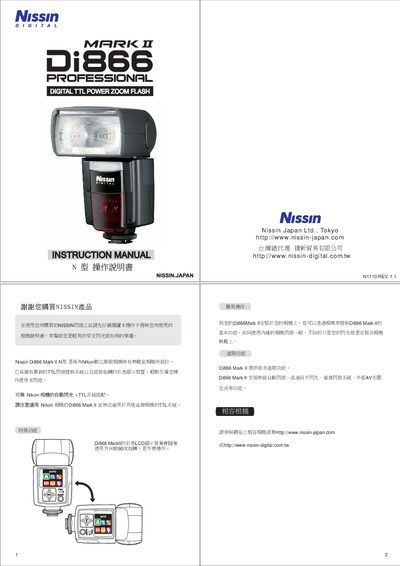
Nissin Di866 Mark II User Manual
The Nissin Di866 Mark II is a TTL flash designed for Nikon cameras, offering wireless control, multiple lighting modes, and power‑saving features. The manual provides safety instructions, battery installation, mode selection, and detailed operating procedures.
It also lists technical specifications such as dimensions, weight, flash power levels, zoom range, USB firmware update, and battery requirements, helping users set up and customize the flash for various shooting situations. This manual is written in Japanese.
Covers: Safety Instructions · Battery Installation · Power‑Saving Auto‑Off · Wireless TTL Control · Flash Power Settings · Zoom Range
Latest Nissin manuals
Nissin Di866 Mark II User Manual
User Manual 10 pages · 2.9 MB · JAThe Nissin Di866 Mark II User Manual provides operating instructions, safety guidelines, and setup details for the flash unit compatible with Nikon cameras.
Nissin Di866 Flash Manual
User Manual 42 pages · 1.7 MB · JAThe Nissin Di866 flash manual provides installation, operation, safety, and warranty information for the Di866 Mark I and Mark II camera flashes.
Nissin Di622 Mark II User Manual
User Manual 6 pages · 2.4 MB · ZHThe Nissin Di622 Mark II user manual provides setup, operation, safety instructions, and specifications for this TTL flash unit.
Nissin Di866 Mark II User Manual
User Manual 10 pages · 2.9 MB · JAThe manual explains setup, operation, safety, battery handling, wireless TTL control, and specifications for the Nissin Di866 Mark II flash.
Which document do I need?
User Manual
Day-to-day operation, settings and troubleshooting. Start here if the product is already set up.
Questions answered in Nissin manuals
How can the flash firmware be updated?
Connect the flash to a computer with a standard USB cable and use the Nissin website to download and install updates.
How do I install the Di622 Mark II on my camera?
Turn off the camera and flash, insert the flash foot into the camera’s hot shoe, rotate clockwise until the safety latch clicks, confirming a secure connection.
How do I activate the built‑in diffuser?
Pull out the built‑in diffuser (or reflector) as shown in the diagram to reduce light intensity for close‑up or portrait shooting.
How many AA batteries are required for the Di866 Mark II?
The flash uses four AA batteries.
What is the flash zoom (coverage) range?
It covers a focal length range of 24‑105 mm.