
Nissin Di622 Mark II is a flash for digital SLR cameras with hot shoe and the latest TTL flash control technology.
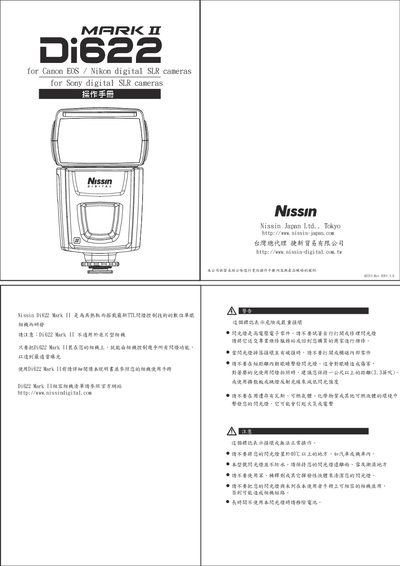
This manual explains how to install the Di622 Mark II flash on compatible Canon, Nikon, and Sony digital SLR cameras, including safety precautions such as avoiding exposure to high‑voltage components and keeping the unit away from flammable environments. It details battery insertion, hot‑shoe mounting, and removal procedures, and warns against using the flash with unsupported cameras.
The guide covers the flash’s operating modes—TTL, manual, and slave modes—showing how to select power levels, enable the built‑in diffuser or reflector, use the AF‑assist lamp, and lock exposure settings. Technical specifications, power‑adjustment steps, and troubleshooting tips are provided, along with warranty information. This manual is written in Chinese.
| Guide Number (Canon EOS) | 447 |
|---|---|
| Flash coverage | 24‑105mm |
| Power settings | 1/16, 1/8, 1/4, 1/2, full |
| Battery type | 4× AA |
| Weight | 315 g |
| Dimensions | 7.7 × 130 × 103 mm |
| Color temperature | 5600 K |
| Recycle time (new batteries) | ≈5 s |
Turn off the camera and flash, insert the flash foot into the camera’s hot shoe, rotate clockwise until the safety latch clicks, confirming a secure connection.
Pull out the built‑in diffuser (or reflector) as shown in the diagram to reduce light intensity for close‑up or portrait shooting.