
This document is an instruction manual for the Nissin Di866 Mark II digital TTL power zoom flash. The flash is designed for Sony brand digital SLR cameras and supports automatic flash ADI/P-TTL system. The manual covers the basic functions and special features of the flash, and provides safety instructions.
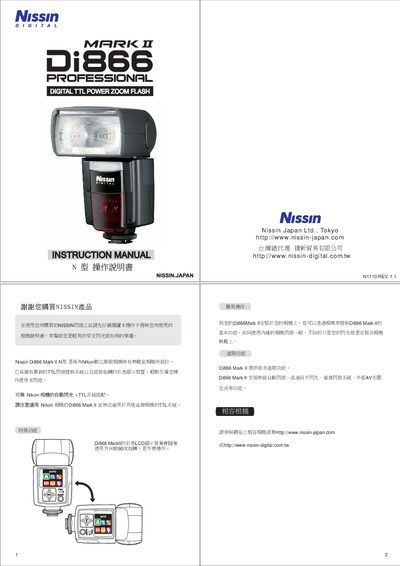
The Nissin Di866 Mark II is a TTL flash designed for Nikon cameras, offering wireless control, multiple lighting modes, and power‑saving features. The manual provides safety instructions, battery installation, mode selection, and detailed operating procedures.
It also lists technical specifications such as dimensions, weight, flash power levels, zoom range, USB firmware update, and battery requirements, helping users set up and customize the flash for various shooting situations. This manual is written in Japanese.
| Dimensions | 74 x 134 x 110 mm |
|---|---|
| Weight | 380 g |
| Battery type | 4 AA batteries |
| Flash power range | 18 to 17128 (five levels) |
| Flash duration (500 flashes) | 0.7 s |
| Zoom range | 24‑105 mm |
| USB interface | USB port for firmware update |
| Wireless control | Wireless TTL flash control system |
The flash uses four AA batteries.
It covers a focal length range of 24‑105 mm.
Set the auto‑off timer in the menu (options: 10, 15, 30, 45, 60 minutes).
Connect the flash via the USB port and download updates from the Nissin website.