
This document introduces the safety warnings, component instructions, installation guide, and basic functions of a flash light product. The flash light has moisture and rain protection features, and caution should be taken when handling batteries. The flash light supports multiple modes and power adjustment, and can be used in different conditions.
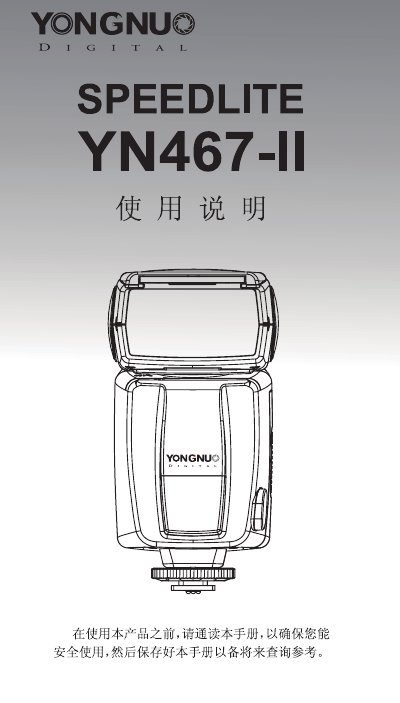
This document is the user manual for the Yongnuo YN560-IV flash unit. It details safety precautions regarding battery handling and eye safety, and describes the physical components including the reflector, diffuser, and hot shoe mount. The guide explains installation steps for batteries and mounting the unit to a camera.
The manual covers basic operations such as switching between TTL, M, S1, and S2 modes, adjusting exposure compensation, and using the pilot test button. It also describes advanced applications like exposure bracketing, flash exposure lock (FEL), and various lighting techniques including bounce flash and using the built-in reflector. This manual is written in Chinese.
| Flash Index | 33 |
|---|---|
| Flash Modes | TTL, M, S1, S2 |
| Zoom Range | Auto, 24, 28, 35, 50, 70, 85mm |
| Vertical Swing | -7 to 90 degrees |
| Horizontal Swing | 0 to 270 degrees |
| Power Source | 4 AA Alkaline or Ni-MH batteries |
| Color Temperature | 5600K |
| Dimensions | 60 x 72 x 172 mm (extended) |
| Net Weight | 300 g |
If the charging indicator light stays green, the battery charge is insufficient and the flash is locked. You need to replace the battery.
Hold the MODE button and press the [+] button to cycle through zoom positions from Auto to 85mm.
In M mode, the flash output can be adjusted from 1/64 to 1/1.
The recharge time is less than 3 seconds when using AA alkaline batteries.