
This document is a user guide for the fi-7600/fi-7700/fi-7700S image scanners, including basic operation and handling methods, placement and connection information, configuration settings, troubleshooting, consumables replacement, cleaning instructions, and explanations of various scanning methods.
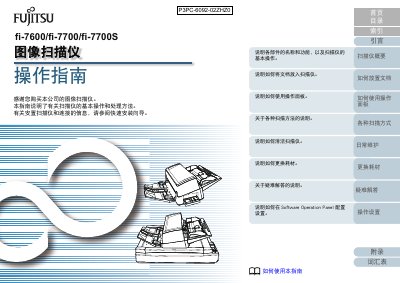
This manual provides instructions on how to use the Fujitsu FI-7600, FI-7700, and FI-7700S image scanners. It details basic operations such as placing documents in the Automatic Document Feeder (ADF) or on the flatbed glass, using the operation panel, and performing various scan methods including color, grayscale, and black & white.
The guide also covers daily maintenance procedures, how to replace consumables like toner cartridges, and provides a troubleshooting section for common issues. Additionally, it explains how to configure settings via the Software Operation Panel.
The scanner processes documents at a rate of 75 ppm for single-sided scans.
You must install Adobe Acrobat (7.0 or later) or Adobe Reader (7.0 or later).