
This document is a user manual for the IRISYS Multi-Purpose Thermal Imagers IRI 4000 Series. The equipment described in the document uses a Class 2 laser, and it is warned that looking directly into the laser beam or the laser beam exit aperture may cause irreversible damage to the eye. The document provides instructions for operating the device and includes safety warnings.
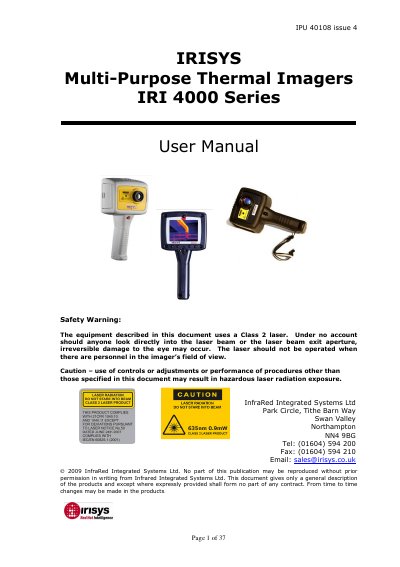
The document provides instructions for unpacking, powering (battery or AC), and operating the IRI 4000 series handheld thermal imager. It details hardware features such as focusing, screen displays, button functions including hot buttons and directional controls, and image adjustment settings like level, span, brightness, and contrast.
The guide also explains how to transfer thermal images from the device's SD card or via USB cable to a PC using supplied software. It includes specific requirements for the PC, installation steps, and an overview of the software menus and toolbar functions.
| Field of View (IRI 4010) | 20° X 15° |
|---|---|
| Temperature Range (IRI 4010) | -10°C to + 250°C |
| Field of View (IRI 4030/4035) | 20° X 15° |
| Temperature Range (IRI 4030/4035) | -20°C to + 250°C; 200°C to 900° C |
| Field of View (IRI 4040) | 10.2° X 7.7° |
| Battery Life | approximately 6 hours |
| Charging Time (Imager Off) | approximately 4 hours |
The rechargeable battery will power the thermal imager for approximately 6 hours.
It takes approximately 4 hours to fully charge a fully depleted battery if the imager is switched off.
Rotating the lens in the opposite direction focuses the imager at shorter distances down to a minimum of 30 cm.