
The document describes the features and characteristics of a product from a specific brand.
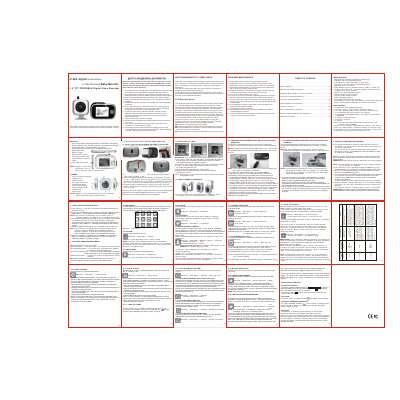
This user manual covers the setup and operation of a 2.4Ghz Wireless Baby Monitor featuring H.264 digital audio/video technology. It includes instructions for installing a TF card, using the camera stand or wall mount, and connecting the transmitter and receiver units. The document details how to charge the built-in rechargeable batteries for both the camera and monitor, as well as how to register the camera to the receiver.
| Transmit rate | 20-25 Frames/second |
|---|---|
| Transmission range | 600 feet in open area |
| Camera support | up to 4 cameras |
| Display size | 3.2 inch TFT |
| Power adapter | 5V DC 1000mA |
| Charging time (off) | approximately 5 hours |
Turn off the monitor power, open the battery compartment, push the TF card holder shell down to unlock it, flip it open, insert the card aligning it with the outline, and close the holder.
Plug the AC adapter into the Mini USB socket. The charging indicator LED turns red and the battery symbol flashes while charging.
Press and hold the ON/OFF/PAIR button for 5 seconds until the LED indicator flashes green.
Reregister the camera via the MULTI CAMERA menu in the receiver settings.