
This document is a user manual for the Gigabit Fiber Optic Transceiver, which introduces the product's functions, features, technical specifications, front and back panel diagrams, accessory list, installation steps, troubleshooting, etc.
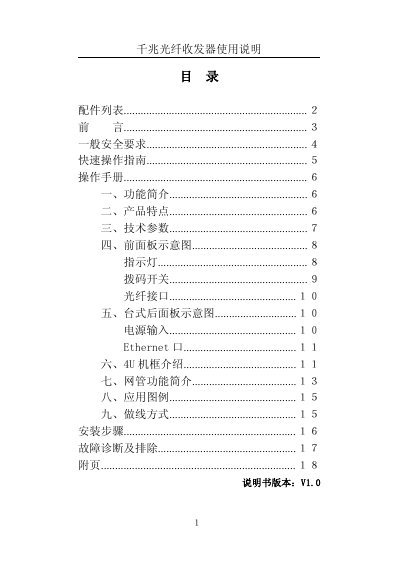
This manual provides instructions for Gigabit fiber optic transceivers, specifically models OP-4GE, OP-4GE/2, OP-GE, and OP-GE/2. It covers safety requirements, quick start guides, and detailed operational procedures for converting Ethernet electrical interfaces to optical interfaces. The device supports transmission distances ranging from 2km to 120km and features auto-negotiation for 10/100/1000M speeds. This manual is written in Chinese.
| Transmission Distance | 2km, 20km, 40km, 60km, 120km |
|---|---|
| Network Speed | 10M, 100M, 1000M |
| Power Supply | AC220V, DC-48V |
| Operating Temperature | 0°C ~ 50°C |
| Storage Temperature | -40°C ~ +70°C |
| Relative Humidity | 95% |
| Ethernet Ports | 1 to 4 ports |
The device supports transmission distances of 2km, 20km, 40km, 60km, and 120km.
Connect the laser TX of one device to the RX of the other, and the RX to the TX.
The device supports both AC220V and DC-48V power inputs.
Press the RESET button located on the front panel.