
This document is a user manual for the Blu-ray Disc player model DP-UB150GK-K. The document provides instructions on how to use the product, including important precautions such as using the correct power cord and AC adapter, proper placement of the device, and handling of batteries. The document also advises on software upgrades and provides information on how to contact the official customer service platform.
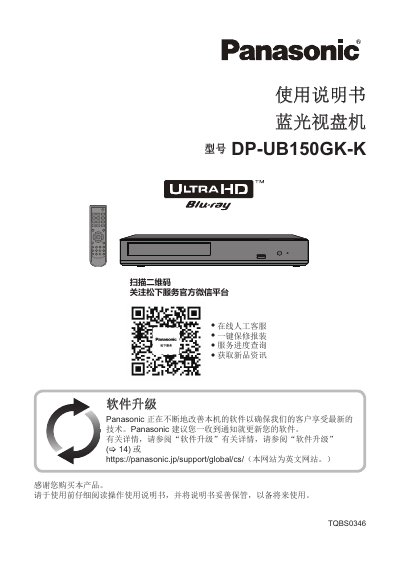
This user manual covers the operation and maintenance of the Panasonic DP-UB150GK-K Ultra HD Blu-ray player. It includes detailed instructions on using the remote control, connecting the device to a TV or amplifier, and navigating the on-screen menus. The guide also explains supported media formats, including Ultra HD Blu-ray, 4K, and various digital audio/video files. This manual is written in Chinese.
| Supported Media | Ultra HD Blu-ray, BD-Video, BD-R, BD-RE, DVD, CD, USB |
|---|---|
| Audio Formats | Dolby Digital Plus, Dolby TrueHD, DTS-HD Master Audio |
| Power Input | DC IN (12 V) |
Yes, the player supports Ultra HD Blu-ray discs with High Dynamic Range (HDR) functionality.
The player supports FAT12, FAT16, FAT32, and NTFS file systems.
Yes, 3D video and images can be played when connected to a compatible 3D TV via a high-speed HDMI cable.