
This document describes how to use the printer control panel to change the printer's configuration settings, including job storage limit, job retention timeout, display address, etc.; it also introduces the settings for color/black and white mixing and paper tray action options.
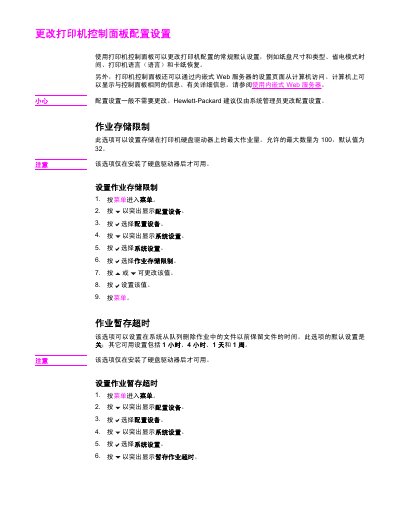
This document provides instructions for changing default configuration settings on an HP printer using the built-in control panel. Administrators can adjust parameters such as paper size, power save modes, language preferences, and error recovery behaviors directly from the device interface or via the embedded web server.
The guide details step-by-step procedures for navigating the menu system to modify specific features like job storage limits, job hold timeouts, color/black-and-white optimization, and paper tray behavior. It also covers settings for power management, personalization profiles (PCL, PDF, PS), warning clearability, automatic continuation of jobs after errors, and jam recovery options.
| Maximum Job Storage Limit | 100 jobs |
|---|---|
| Default Job Storage Limit | 32 jobs |
| Job Hold Timeout Options | Off, 1 hour, 4 hours, 1 day, 1 week |
| Default Power Save Mode Time | 30 minutes |
Hewlett-Packard recommends that only system administrators change these settings.
This option is only available if a hard disk drive has been installed on the printer.