
This document is the user manual for Bante 520 portable conductivity meter, providing a step-by-step guide to operate the meter. The meter features a membrane keypad, temperature probe, and conductivity electrode.
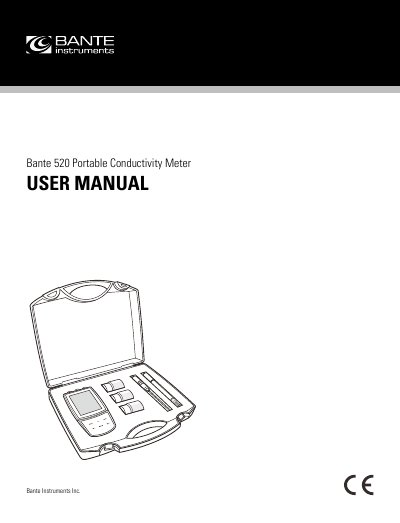
The Bante 520 is a portable conductivity meter designed for measuring conductivity and temperature. The device features a membrane keypad for operation, a display with icons for status indicators, and supports both automatic and manual temperature compensation. It can be powered by three AA batteries or an external DC 5V power adapter.
| Relative Humidity | less than 80% |
|---|---|
| Ambient Temperature | 0° C (32° F) and 50° C (122° F) |
| Battery Type | three AA batteries |
| External Power | DC 5V power adapter |
| Max Calibration Points | 3 points |
| Max Stored Data Sets | 100 data sets |
Press the Meas key and release to switch on, or press and hold the Meas key to switch off.
The meter requires relative humidity less than 80%, ambient temperature between 0°C and 50°C, and no electromagnetic interference or corrosive gas.
Connect the temperature probe to the meter; the ATC icon will appear on the display.