
This document is a user manual for the Bante 520 portable conductivity meter from Shanghai Bante Instrument Co., Ltd. It describes the functions and features of the instrument.
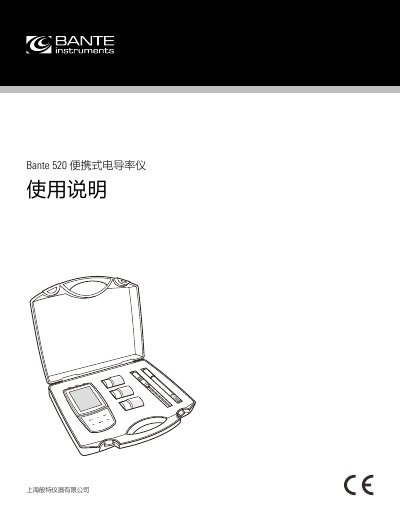
The Bante 520 is a portable conductivity meter designed for measuring the conductivity of water samples. It features a simple menu system for setting electrode constants, calibration points, and temperature compensation methods. The device supports both automatic and manual temperature compensation and includes a USB interface for data transfer to a computer. This manual is written in Chinese.
| Relative Humidity | Less than 80% |
|---|---|
| Operating Temperature | 0 to 50°C / 32 to 122°F |
| Electrode Constant Options | K = 0.1, K = 1, K = 10 |
| Calibration Points | 1 to 3 points |
| Temperature Compensation | Linear (default 2.1%/°C) or Non-linear |
| Auto Shut-off | 30 minutes |
Remove the battery compartment cover on the back of the instrument and insert 3 AA batteries, paying attention to polarity.
Connect the temperature probe to the instrument; the ATC icon will appear on the screen to indicate the mode is active.
Press the MI key in measurement mode; the Memory icon will appear on the screen to indicate the value is saved.