
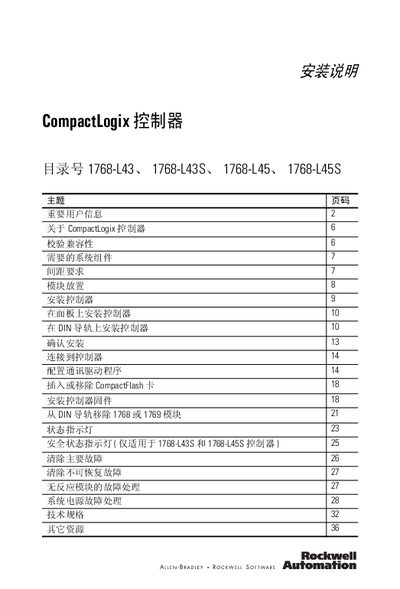
This manual introduces the installation instructions of CompactLogix controller, including installation method, compatibility, required components, spacing requirements, module placement, confirmation of installation, connection to controller, configuration of communication driver, insertion or removal of CompactFlash card, installation of controller firmware, removal of 1768 or 1769 module from DIN rail, status indicator, safety status indicator, clearing major faults, clearing unrecoverable faults, fault handling of unresponsive module, system power fault handling and other contents.
The CompactLogix 1768 series controllers are compact programmable automation devices designed for medium‑size applications. They are available in four models (L43, L43S, L45, L45S) and support a range of I/O modules and networking options.
This manual covers safety guidelines, required system components, spacing requirements, module placement, installation on panels or DIN rails, wiring, communication driver configuration, CompactFlash handling, firmware updates, status indicator meanings, fault clearing procedures, and detailed technical specifications. This manual is written in Chinese.
| Backplane current (24 V) – 1768‑L43 | 1.3 A |
|---|
Use a torque of 1.16 N·m (10 lb·in) with M4 or #8 screws.