
This document is an installation manual that mainly introduces the installation and connection methods of the AVN8836 model HDD navigation system. The document mentions the preparations before installation, the installation of the main unit, and the connection of various cables. It also emphasizes the safety precautions to be taken during the installation process. The document does not mention the features and characteristics of the product.
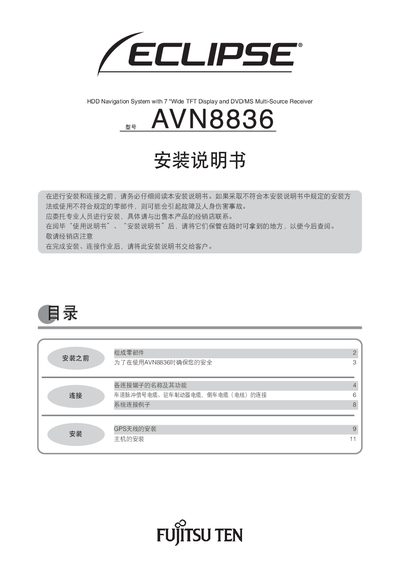
This manual provides step‑by‑step instructions for installing the Fujitsu AVN8836 HDD navigation system. It emphasizes safety warnings, required tools, and the need for professional installation.
Detailed wiring diagrams describe each connector type, color coding, and function, including power terminals, speaker outputs, and vehicle signal cables such as speed pulse, parking brake, and reverse signals. This manual is written in Chinese.
| Operating voltage | DC12V |
|---|
The unit operates on a DC12 V supply.
The ACC power terminal is the red connector.
No, it is intended only for vehicle use and must be grounded to the vehicle chassis.