
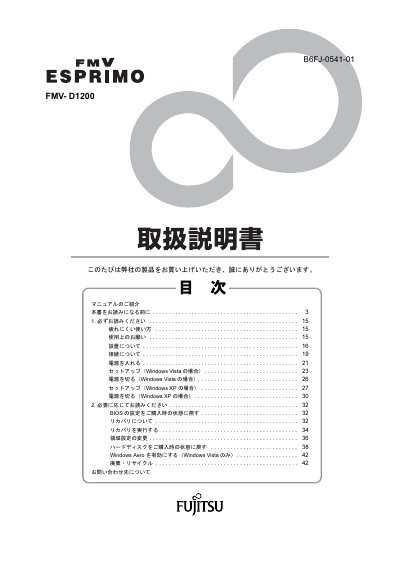
Fujitsu FMV-D1200 ESPRIMO Computer User Manual


Fujitsu FMV-D1200 ESPRIMO Computer User Manual - cover page
Brand
Fujitsu
Category
Desktops
Document type
User Manual
Language
Japanese
Pages
44
File format
PDF
Published
05 October, 2011
Updated
29 September, 2023
MD5 checksum
38BAAE8196783747C5152EBF24439B74

About this manual

This Japanese manual introduces the documentation supplied with the Fujitsu FMV-D1200 ESPRIMO computer and explains basic setup and use. It covers safety notes, installation and connection, turning the power on and off, and setup procedures for Windows Vista and Windows XP.

The second part explains resetting BIOS settings to the purchased state, recovery, changing partition settings, restoring the hard disk to the purchased state, enabling Windows Aero (Windows Vista only), and disposal/recycling. It also lists contact information and describes how to access the FMV Manual online through FMV Support Navigator. This manual is written in Japanese.

What's inside

  • Manual Introduction
  • Before Reading This Manual
  • Be Sure to Read
  • Setup (Windows Vista)
  • Turning Off the Power (Windows Vista)
  • Setup (Windows XP)
  • Turning Off the Power (Windows XP)
  • Resetting BIOS Settings to the Purchased State
  • Recovery
  • Enabling Windows Aero (Windows Vista Only)

Frequently asked questions

Does the manual include setup instructions for Windows Vista?

Yes. It includes a section called “Setup (Windows Vista case)” and a separate power-off procedure for Windows Vista.

What recovery topic does the manual cover?

It covers restoring the hard disk to the condition it was in at purchase.

Download PDF

More Fujitsu Manuals


View all Fujitsu manuals →