
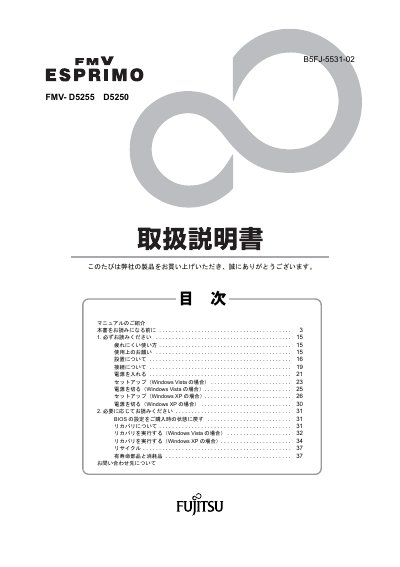
This is the Japanese "取扱説明書" (user's manual) supplied with the Fujitsu ESPRIMO FMV-D5255 and FMV-D5250 computers. It begins by explaining which manuals come with the computer, how to check the supplied accessories, and how to open the FMV manual available on the internet through FMV Support Navi.
The manual then gives the safety and handling notes that must be read before use, the software license conditions, and the startup procedure: turning the power on, setup under Windows Vista or Windows XP, and shutting the computer down. A second section covers resetting BIOS settings to the purchase-time state, performing recovery under Windows Vista or Windows XP, recycling, and parts with limited service life and consumables. This manual is written in Japanese.
| Supported operating systems for setup | Windows Vista and Windows XP |
|---|---|
| Software warranty period (manual mismatch) | 90 days from purchase |
The manual has a dedicated section on restoring BIOS settings to the purchase-time state; see "BIOS の設定をご購入時の状態に戻す".
A separate procedure is given for Windows Vista, "リカバリを実行する (Windows Vista の場合)", with its own steps.
Open the FMV Support Navi icon, select the Manual tab, click Run and choose your model, or open the FMV Manual entry in the Start menu.
The manual states that repair performance parts are kept for 5 years after production of the product ends.