
This is a P42VCA51W/P42HCA51W/P50XCA51W/P63XCA51W type of display manual, which mainly introduces the characteristics, installation, each part name and work, interface, specification, warranty and other information of the display
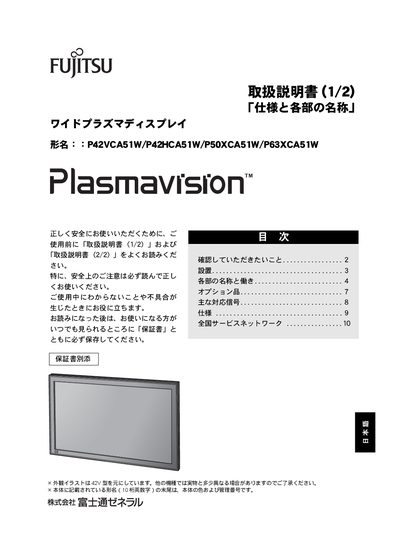
This manual explains how to safely use the Fujitsu wide plasma display series, covering safety precautions, required clearances, and proper handling to prevent fire or electric shock. It also lists the supplied accessories, warranty information, and after‑service procedures.
Installation steps, connection of external devices (RS‑232C, RGB, power), optional mounting accessories, and supported video signals are described in detail, along with troubleshooting tips for power, image, and remote‑control issues. This manual is written in Japanese.
| Operating ambient temperature | 0 °C – 40 °C |
|---|---|
| Power input | AC power via power cord and AC adapter |
| Remote‑control battery | 2 AA batteries |