
This manual describes how to expand the I/O of the VS-100/VS-700 using the OCTA-CAPTURE.
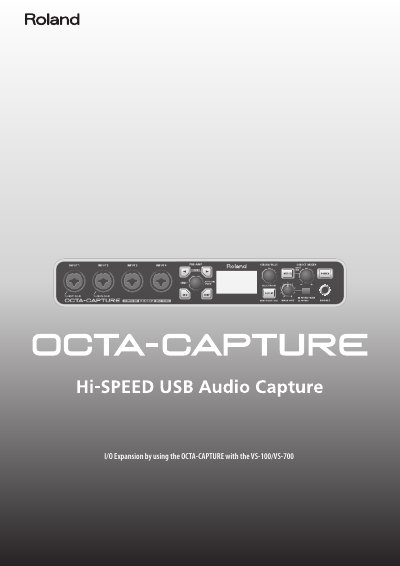
This document provides instructions for using the Roland OCTA-CAPTURE to expand the input/output capabilities of the VS-100 or VS-700 audio recording systems. It details specific operating requirements, such as necessary hard disk drive speeds and SATA connections for high sampling rates.
The guide focuses on updating the host system software and drivers required to enable the OCTA-CAPTURE functionality. It includes step-by-step procedures for checking current versions of the VS-100 and VS-700 systems and performing firmware updates via USB connection.
An internal hard disk drive that is 7200 rpm or faster is required.
A separate SATA hard disk drive is required as the audio recording destination.
The update will require approximately one minute.