
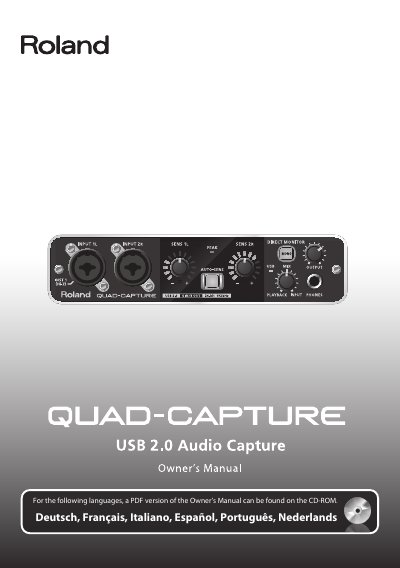
Roland QUAD-CAPTURE USB 2.0 Audio Capture Owner's Manual


Roland QUAD-CAPTURE USB 2.0 Audio Capture Owner's Manual - cover page
Brand
Edirol
Category
Other Electronics
Document type
User Manual
Language
English
Pages
60
File format
PDF
File size
8 MB
Published
10 August, 2012
Updated
29 September, 2023
MD5 checksum
DFA14F8DACBA18495348BC3482282B31

About this manual

This document is the Owner's Manual for the Roland QUAD-CAPTURE, a USB 2.0 Audio Capture device. It provides instructions for using the unit safely, including warnings about phantom power, heat, and placement. The manual also explains the flowchart for setting up the device with a Digital Audio Workstation (DAW) and connecting microphones or instruments.

What's inside

  • USING THE UNIT SAFELY
  • IMPORTANT NOTES
  • Flowchart: Using the QUAD-CAPTURE
  • Control Panel
  • Recording
  • Playback
  • Monitoring
  • Mixing
  • Troubleshooting
  • Specifications

Frequently asked questions

What software is required to use the QUAD-CAPTURE for recording?

You must have a Digital Audio Workstation (DAW) installed and prepared on your computer.

What are the specifications for the phantom power supplied by this unit?

The unit provides 48 V DC of phantom power with a maximum current of 6 mA.

How long must the unit stand before use if condensation forms inside?

You must allow it to stand for several hours until the condensation has completely evaporated.

Download PDF (8 MB)

More Edirol Manuals


View all Edirol manuals →