
Roland TRI-CAPTURE USB Audio Capture Owner's Manual

This manual introduces the settings, connections, recording, etc. operations of TRI-CAPTURE.
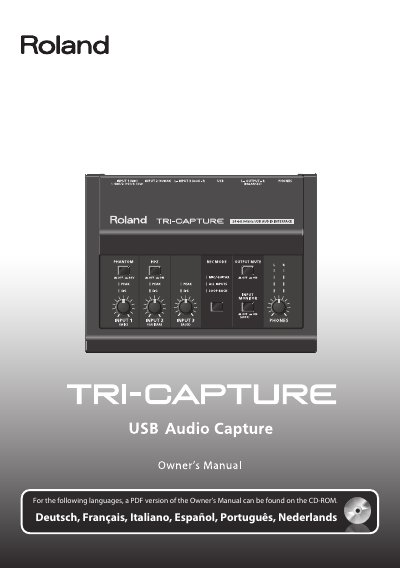

Roland TRI-CAPTURE USB Audio Capture Owner's Manual - cover page
Brand
Edirol
Category
Other Electronics
Document type
User Manual
Language
English
Pages
52
File format
PDF
File size
11.1 MB
Published
10 August, 2012
Updated
30 September, 2023
MD5 checksum
886E21DCD9C14849F4249757BEBF2892

About this manual

The Roland TRI-CAPTURE is a USB audio capture device designed for recording microphones or guitars. It features three distinct recording modes: MIC/GUITAR, ALL INPUTS, and LOOP BACK. The unit connects via USB to a computer running Windows or Mac OS X and requires specific driver installation before use.

What's inside

  • USING THE UNIT SAFETY
  • IMPORTANT NOTES
  • Panel Descriptions
  • Driver Installation
  • Input/Output Device Setting
  • Recording Microphone or Guitar Sound (MIC/GUITAR)
  • Recording Microphone or Guitar Sound Along with Audio Device Sound (ALL INPUTS)
  • Record Microphone or Guitar Sound While Mixing it with Audio Data Played on a Computer (LOOP BACK)
  • Troubleshooting

Specifications

Phantom Power Voltage48 V DC, 10 mA Max

Frequently asked questions

Can I record guitar or microphone sound along with audio from my computer?

Yes, by using the ALL INPUTS recording mode.

What is the TRI-CAPTURE USB Audio Capture used for?

It is a USB audio capture device designed to record guitar or microphone sound, as well as mix that sound with audio data played on a computer.

What voltage does the phantom power supply?

The unit provides 48 V DC of phantom power, with a maximum current of 10 mA.

What should be done if condensation forms inside the unit?

You must allow the unit to stand for several hours until the condensation has completely evaporated before using it.

Download PDF (11.1 MB)

More Edirol Manuals


View all Edirol manuals →