
This document is the owner's manual for a specific brand and model of product. It provides important information on using the product safely and effectively, as well as a comprehensive guide to all its features.
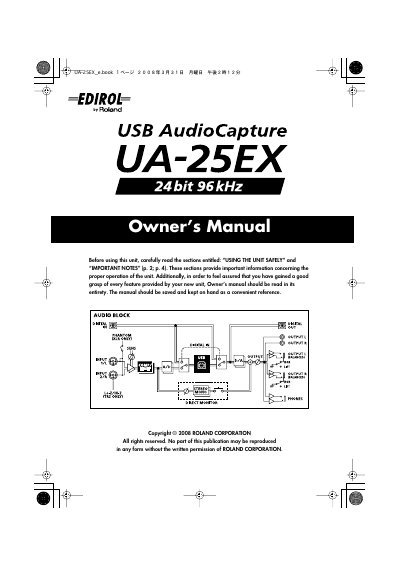
This document serves as the Owner's Manual for the Roland UA-25EX audio interface. It begins with critical safety warnings and important notes regarding the unit's placement, maintenance, and usage precautions to prevent damage or injury. The manual details the contents of the package and provides comprehensive descriptions of the front and rear panels, including all jacks and controls.
The guide covers the complete setup process, including specific driver installation and configuration instructions for Windows Vista, Windows XP, and Mac OS X. It further explains basic connections for microphones and guitars, recording procedures to computers and digital devices, and includes troubleshooting advice and technical specifications. This manual is written in Japanese.
| Phantom Power | 48 V DC, 8 mA Max |
|---|
Always turn the phantom power off when connecting any device other than condenser microphones that require phantom power to avoid damaging dynamic microphones or other devices.
The unit provides 48 V DC at a maximum of 8 mA.
You must allow the unit to stand for several hours until condensation evaporates.
Use a cloth impregnated with a mild, non-abrasive detergent.