
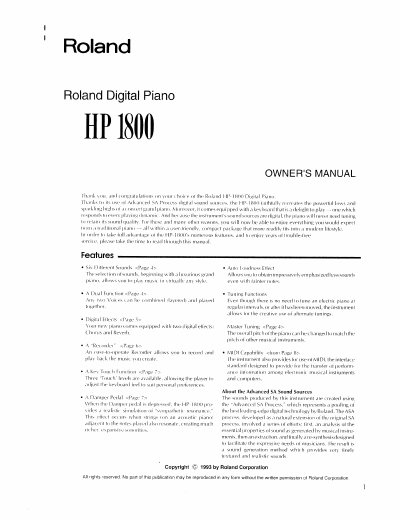
Roland HP-1800 Digital Piano Owner's Manual


Roland HP-1800 Digital Piano Owner's Manual - cover page
Brand
Roland
Category
Other
Document type
User Manual
Language
English
Pages
18
File format
PDF
File size
960 KB
Published
10 August, 2012
Updated
30 August, 2012
Models
HP-1, HP-1800
MD5 checksum
4B259B0B00E64058F85FED6CE1E524DD

About this manual

This manual provides instructions for the Roland HP-1800 digital piano, including assembly of the KS-1800 stand and setup of the instrument. It details the front and rear panel controls, such as volume, brilliance, and voice selection buttons for sounds like Grand Piano, Harpsichord, and Vibraphone.

What's inside

  • Assembling the KS-1800 Stand
  • Front Panel Description
  • Rear Panel Description
  • Turning the Power On
  • Using Headphones
  • Listening to Demonstration Songs
  • Recording
  • Key Transpose Function
  • Pedal Functions
  • MIDI Capability

Specifications

Digital EffectsChorus and Reverb
Touch LevelsThree levels
Pitch Adjustment50 cents change
MIDI InterfaceStandard MIDI

Frequently asked questions

What digital effects are included?

The piano comes equipped with two digital effects: Chorus and Reverb.

Can the keyboard feel be adjusted?

Yes, three 'Touch' levels are available to adjust the keyboard feel to suit personal preferences.

How much pitch change can the TUNE knob provide?

Rotating the knob to either extreme provides a change of 50 cents.

Download PDF (960 KB)

More Roland Manuals


View all Roland manuals →