
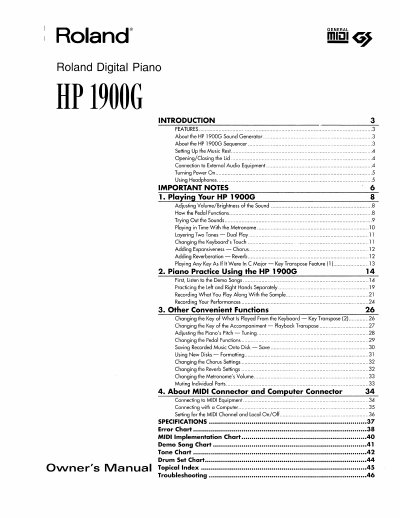
The Roland HP 1900G is a digital piano described in this owner's manual. It offers realistic piano performances based on high-quality concert grand piano sounds and is also stocked with a wide variety of instrument sounds other than piano. The instrument includes its own five-track sequencer, the "Piano Partner," which is used much like an ordinary tape recorder, and sample songs are provided on a demo song data disk for practice or play-along use.
The manual walks through setup (music rest, lid, external audio equipment, power-on and headphones), then playing the HP 1900G: adjusting volume and brightness, pedal functions, trying out sounds, the metronome, Dual Play layering, keyboard touch, chorus, reverb and key transpose. Later sections cover piano practice with the demo songs and recording, other convenient functions such as tuning, saving and formatting disks, mute and part settings, and connections to MIDI equipment and a computer. Reference material includes specifications, an error chart, a MIDI implementation chart, tone and drum set charts, a troubleshooting section and an index.
| Sequencer | Five-track sequencer ("Piano Partner") |
|---|---|
| Sound data compatibility | General MIDI and GS |
| Disk playback | SMF Music Data, 720 KB/1.44 MB formats, 3.5 inch floppy disks |
| Piano sounds | High-quality concert grand piano sounds |
Yes. The manual states that the product supports both General MIDI and GS, so song data carrying either logo can be reproduced.
It can play back SMF Music Data on 3.5 inch floppy disks in 720 KB or 1.44 MB formats, and it can also play back Piano DISKs.
Insert the power cord plug into an outlet, then press the POWER button at the left side of the panel to turn the power on.
Stereo headphones are recommended, preferably the optionally available Roland RH-20/80/120. The VOLUME knob adjusts the headphone volume.