
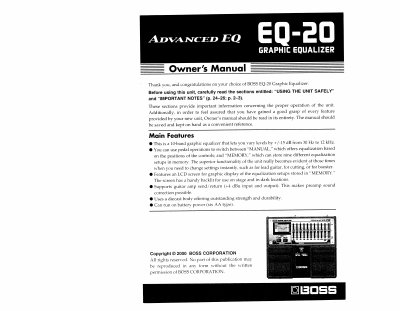
The BOSS EQ-20 is a 10-band graphic equalizer that allows users to vary levels by +/-15 dB from 30 Hz to 12 kHz. It features pedal operations to switch between "MANUAL" mode, which offers equalization based on control positions, and "MEMORY" mode, which can store nine different equalization setups. The unit includes an LCD screen with a backlight for displaying stored setups in dark locations.
| Frequency Range | 30 Hz to 12 kHz |
|---|---|
| Equalization Bands | 10-band |
| Level Adjustment | +/-15 dB |
| Memory Capacity | 9 setups |
| Power Supply | Six AA type batteries |
| Battery Life (Alkaline) | About 12 hours |
| Battery Life (Carbon) | About 3.5 hours |
Press the MANUAL/MEMORY pedal to switch the unit between the two modes.
No, you must be in MANUAL mode to store settings; settings made in MEMORY mode are not stored.