
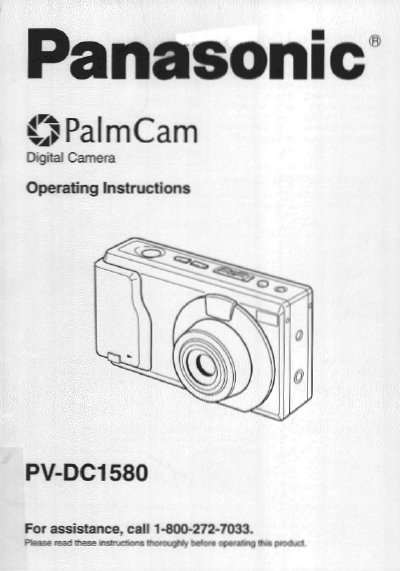
This manual provides operating instructions for the Panasonic PV-DC1580 PalmCam digital camera. It details the unboxing process, including the contents of the package such as the digital camera station, battery pack, and various cables. The guide explains how to attach accessories like the hand strap and soft carrying case.
| Product Type | Digital Camera |
|---|---|
| Model Number | PV-DC1580 |
The box includes the Digital Camera, Digital Camera Station, AC Adaptor, Ni-Cd Battery Pack, Hand Strap, Soft Carrying Case, Detachable Flash Unit, Video Cable, PC Connection Cables, Lithium Battery, CD-ROM of Software, and a CompactFlash Card.
No, you should not expose the digital camera to extended high temperatures such as direct sunlight, as this could permanently damage the internal parts.
You can transfer images by inserting the PCMCIA Adapter into the Digital Camera Station and connecting it to the computer, then following the instructions for transferring images.