
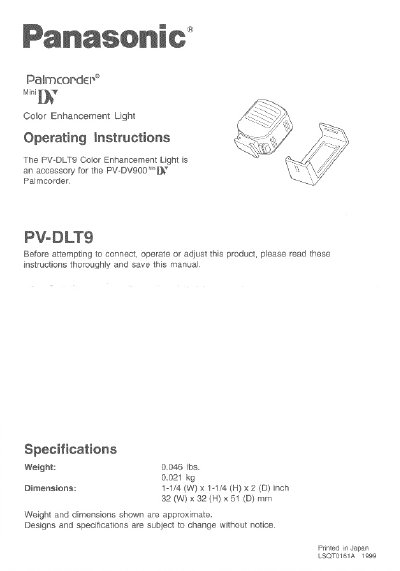
Panasonic PV-DLT9 Color Enhancement Light Operating Instructions


Panasonic PV-DLT9 Color Enhancement Light Operating Instructions - cover page
Brand
Panasonic
Category
Camcorders
Document type
User Manual
Language
English
Pages
4
File format
PDF
File size
130 KB
Published
10 August, 2012
Updated
31 August, 2012
MD5 checksum
25B0D55D3CAA9F13674A5300C44E9A3E

About this manual

This document provides operating instructions for the Panasonic PV-DLT9 Color Enhancement Light, an accessory designed for the PV-DV900 Palmcorder. The manual details how to attach the light to the camera's built-in mount and how to slide it into a holder for storage. It includes steps for turning the light on and off using the LIGHT button and instructions for removing the unit using the LIGHT RELEASE button.

What's inside

  • Specifications
  • Operating Instructions
  • Removing the Light
  • Attaching the Light Holder
  • Caution
  • Note

Specifications

Dimensions1-1/4 (W) x 1-1/4 (H) x 2 (D) inch

Frequently asked questions

How do I turn the Color Enhancement Light on and off?

Press the LIGHT Button ON to turn it on, and press it again to shut it OFF.

How do I remove the light from the camera?

Press the LIGHT RELEASE Button and slide the Light out of the mount.

What should I do if the light bulb needs to be replaced?

Take the Light to your nearest service center.

Download PDF (130 KB)

More Panasonic Manuals


View all Panasonic manuals →