
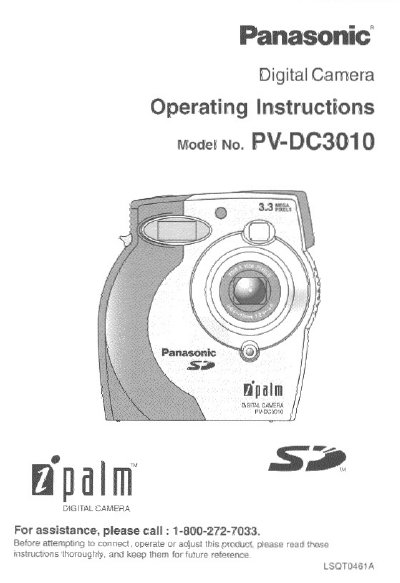
Panasonic PV-DC3010 Digital Camera Operating Instructions


Panasonic PV-DC3010 Digital Camera Operating Instructions - cover page
Brand
Panasonic
Category
Camcorders
Document type
User Manual
Language
English
Pages
64
File format
PDF
File size
1.5 MB
Published
10 August, 2012
Updated
31 August, 2012
MD5 checksum
AABB27129346B7D1F532A36AD8D5C029

About this manual

This manual provides operating instructions for the Panasonic PV-DC3010 Digital Camera. It details the contents of the package, including the camera, batteries, memory card, and software drivers. The guide explains how to attach the neck strap, load batteries, and insert the SD or MultiMediaCard.

What's inside

  • Safety Precautions
  • Index of Controls
  • Getting Started
  • Capturing Images
  • Playing Back Captured Images
  • Transferring Images
  • Special Features
  • Specifications
  • Limited Warranty
  • Servicenter List

Specifications

Memory Card TypeMultiMediaCard or SD Memory Card
Battery Type4pcs. AA Ni-MH
Included SoftwareTwain Driver for Windows 98/Windows Me/Windows 2000 and Macintosh

Frequently asked questions

What type of memory card is compatible with this camera?

The camera supports MultiMediaCard or SD Memory Card.

What batteries are required to operate the camera?

The camera requires four AA Ni-MH batteries.

Can I use alkaline batteries instead of the supplied Ni-MH batteries?

Yes, you can use AA type Ni-Cd (high density type) or Alkaline batteries.

Download PDF (1.5 MB)

More Panasonic Manuals


View all Panasonic manuals →